From meeting to follow‑up
without lifting a finger.
Your meetings already happen. Your transcripts already exist. Scurry turns them into follow-up sequences written from what was said, from your actual conversations, automatically.

Fathom · tl;dv · Read.ai


Gmail or Outlook · OAuth
 Your setup
Three things. Done once.
One-time setup for automatic meeting follow-up emails. After this, you don't open Scurry unless you want to.
Connect the tool that records your meetings
Fireflies plugs in via native OAuth, one click and transcripts flow into Scurry automatically after every meeting. Otter, Gong, Fathom, tl;dv, Read.ai and anything else connect via our open webhook endpoint.






Connect your inbox via OAuth
Gmail or Outlook, secure OAuth. Emails send from your inbox, we never see your password, never send from our servers. Your prospects see your name, your email address, your domain. Replies come straight to you.

Configure your workflow once
Set your brand voice with Universal Prompts. Choose sequence length. Add AI Filters for conditions like "only proceed if budget was discussed." Every future meeting inherits this. No drift. No exceptions.
IF budget_discussed == true → proceed🔒IF deal_stage ≠ qualified → hold🔒 Behind the scenes
What happens after every meeting, automatically.
Transcript analysis and sequence generation, written from what was actually said. Six phases, zero clicks from you.

Transcript arrives
Your meeting ends. Your recording tool generates a transcript and pushes it to Scurry over a webhook: no copying, no pasting, no manual upload. We receive it, fingerprint it, and start working.

AI analyzes the conversation
Scurry reads the full transcript and extracts what matters: pain points discussed, budget mentions, objections, next steps agreed, decision-makers named, buying signals detected. This is what makes every sequence personal, it's built from your actual conversation, not a template.
 Meeting Intelligence · 8 signals extracted
Sequence generates
A complete multi-touch email sequence is written: subject lines, body copy, spacing, and timing. Every email references specific details from the meeting. Your Universal Prompts lock in brand voice and formatting. Attachments are auto-matched from your Resource Library.
AI Filters check
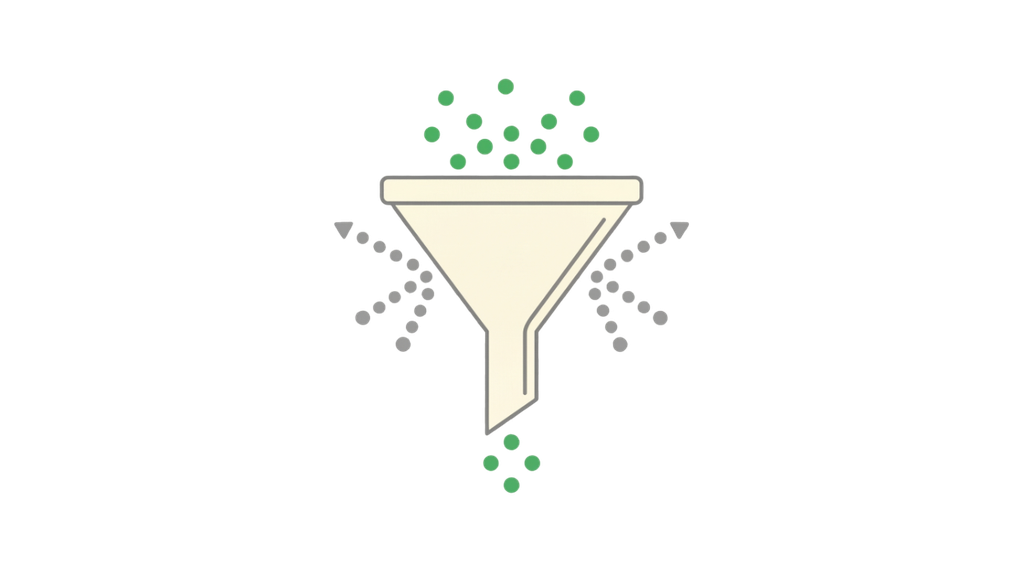
Before anything queues, your AI Filters run. Set conditions like "only send if budget was discussed" or "skip if no next steps mentioned." Filters read the transcript content itself, not just metadata. If the conversation doesn't match your criteria, the sequence is flagged, not sent.

Pre-send CRM check
If you've connected Pipedrive, Scurry checks deal status at send time, not when the email was queued. If the deal moved stages, closed won, or closed lost since the sequence was created, Scurry adapts. No stale sequences hitting dead deals. CRM adds intelligence; the core product works without it.


Emails send from your inbox
Emails queue and send on your configured cadence, through your own Gmail or Outlook. If your prospect replies at any point, the sequence auto-stops. You can review, edit, reschedule, or kill any email before it goes out. Do nothing and it sends on time.
10:42 AM Email 1, CFO report Sent
9:47 AM Email 2, reporting follow-up Queued
10:00 AM Email 3, pre-Q2 hires Queued
 You're the boss
Automated doesn't mean uncontrolled.
Full control over every sequence Scurry writes. Every knob, every time.

Universal Prompts
Brand voice, required elements, and formatting that apply to every sequence. Set once, always enforced. No drift across reps.
AI Filters
Plain-English conditions that must be met before a sequence proceeds. Based on transcript content, not guessed.

Edit before send
Review and modify any email before it reaches your prospect. Rewrite, reschedule, or kill it. AI generates, you approve.

Sequence length
Choose how many emails per sequence. Oak allows up to 5 AI components per workflow, Redwood up to 10. Different cadence per workflow.

Scheduling
Set send timing and spacing between emails. Tied to business hours, timezones, or specific deadlines detected from the transcript.

Reply detection
Sequences auto-stop when your prospect replies. No awkward "just following up" after they've already responded.
 Your stack
Works with the tools you already use.
Meeting transcript and email integrations for automated follow-ups.
Transcript sources
RequiredAny tool that generates meeting transcripts works with Scurry. Native webhooks for the top six; open endpoint for everything else.
Fireflies
Otter
Gong
Fathom
tl;dv
Read.ai
 MeetGeek
 Chorus
Gmail and Outlook via secure OAuth. Emails send from your inbox, your domain. Your reputation, your deliverability, your replies.
 Gmail
Outlook
Gmail
Outlook
CRM
OptionalAdds pre-send deal stage checks, smart filtering, and conditional logic. Not required, the core product works without it.
 Pipedrive native
 HubSpot Coming soon
Common questions about how Scurry works.
Your meetings already happen.
Let Scurry handle the rest.
