Find the page built for you.
Five pages. Five use cases. Same product through different lenses, pick the one that matches how you'd describe what you need.
Want product mechanics instead? See Features →
What does Scurry do?
Product mechanics. Transcript analysis, AI Filters, Universal Prompts, review queue. For someone evaluating whether the product does what they need.
Is Scurry right for me?
Use-case and persona framing, built around the specific problem each type of team comes in with. For someone searching for a solution to a specific pain.
Which one describes you?
Same Scurry, five different framings. Click whichever hits closest to home.

AI Sales Follow-Up
You run discovery calls and demos. You need multi-touch follow-up sequences written from what was said from your actual conversations: not templates, not single emails. Every touch referencing what was said.
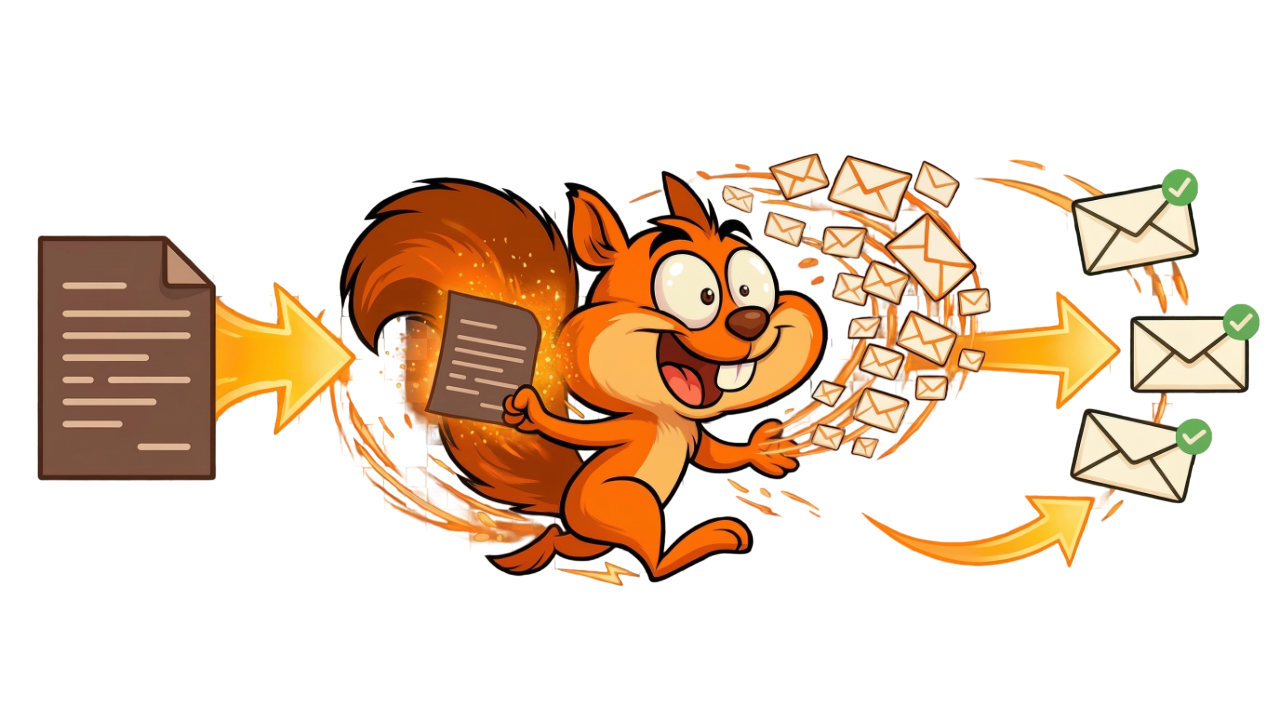
Meeting Transcript to Email
You already have the transcript. You just need it turned into a complete email sequence written from the call, automatically. No manual writing, no copy-pasting into ChatGPT, no prompt engineering.
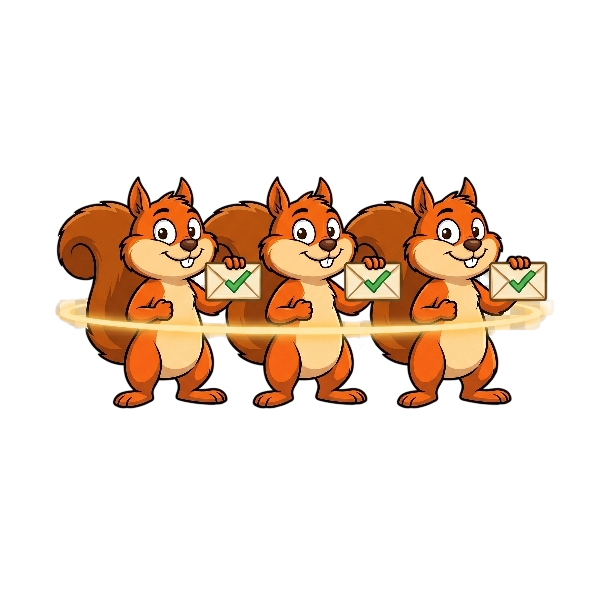
AI Sales Sequence Generator
You want complete multi-touch sequences, not one AI email. 3 to 15 emails per sequence, each with a different angle, each referencing your actual meeting. Sent from your inbox on schedule.

AI Meeting Summary to Email
You already use a notetaker. Your AI summary tool gives you a great summary, but then nothing happens. Scurry takes that summary and turns it into a sent follow-up sequence before you leave your desk.

Automated Email Follow-Up Tool
You want the whole pipeline automated: meeting ends, transcript arrives, sequence generates, emails queue and send. Automation that actually knows what you talked about, not templates firing on a schedule.
Not sure which one? Start your trial and explore.
The 14-day Oak trial gives you 350 Acorns and needs no card. Connect your transcript tool and see the sequences Scurry generates from your actual meetings.