Every meeting, a full follow-up sequence.
Connect Fireflies once. Every transcript, product demo, discovery call, client check-in, becomes a multi-touch email sequence written from the call. Drafted for you, sent by you. No copy-paste, no prompt writing.

Other tools summarize your meetings. Other tools let you send sequences. We're the only one that turns the first into the second, automatically.
Three ways Fireflies makes sequences automatic.
Native OAuth. Every Fireflies meeting becomes a full multi-touch follow-up sequence: without copy-paste, prompt writing, or a second screen.
Auto-triggered on every meeting, zero clicks
When Fireflies finishes processing a call, the transcript flows to Scurry. A sequence written from the call gets drafted and lands in your review queue: ready for you to read, tweak, and send. Internal syncs and 1:1s can stay out of the flow entirely.
AI reads the full transcript, not just a summary
Scurry doesn't paraphrase Fireflies' summary. It reads the entire conversation, objections, budget hints, decision makers, next steps, and writes emails that reference what was actually said.
Native OAuth: connect once, never touch it again
One OAuth approve, nothing to configure. Scurry pulls meeting metadata, participants, and transcripts directly: no webhooks to set up, no transcripts to paste, no "did that sync?" moments. Connect it once and forget it exists.
One meeting. One transcript. One full sequence.
This is what happens the moment you hang up: Fireflies finishes the transcript, hands it to Scurry, and a multi-touch sequence lands in your review queue. You read it, tweak what you want, hit send when you're ready.
fireflies
/
meeting/mtg-8421
scurry
/
queue/acme-demo
Scurry reads what actually happened in the call: Dana's budget concern, the case study Riley promised, the next-step timeline. Generic drip emails get killed; real answers take their place. See all AI filter conditions →
Literally one step. Then it just runs.
Fireflies is the simplest integration we have. One OAuth approval and transcripts start flowing. No rules to configure, no webhooks to set up, no filters to tune, Scurry's AI handles all of that downstream.
Connect Fireflies
Click "Connect Fireflies" in Scurry. Approve read-access to your transcripts on the OAuth screen. That's the entire setup.
Done
Every future meeting transcript flows into Scurry automatically. Our AI reads it, decides if it's worth a sequence, and drafts one for your review. Zero maintenance.
Not on Fireflies yet? Their free plan works with Scurry.
We tested it ourselves: Fireflies' free tier gives you meeting recording, transcription, and full API access. That's all Scurry needs on the Fireflies side. Pair it with Scurry's 14-day trial and you're running automatic meeting-to-sequence follow-ups without a card.
- Meeting recording
- Auto-transcription
- Full API access
- 14-day trial
Prefer Otter, Gong, Fathom, or something else?
Scurry has an open transcript endpoint, any tool that exports a text transcript plugs in. Fireflies is our native OAuth partner (and the easiest setup), but the others are fully supported too.




Tool not listed? If it exports a text transcript, it works. See all transcript tools →
What Scurry reads, and what it doesn't.
Read-only. Transcript + metadata only. Your audio, private notes, and the rest of your Fireflies workspace stay untouched.
✓Scurry reads from Fireflies
🚫Scurry does not access
Want to filter before processing? Use meeting type, keywords, or attendee domain filters in Scurry settings. Internal syncs and 1:1s can be excluded entirely, they never leave Fireflies.
Native OAuth. No keys, no webhooks, no middleware.
Scurry connects directly to your Fireflies workspace via official OAuth: the same way Fireflies connects to Slack, Salesforce, or HubSpot. Approve once, transcripts flow forever.
Fireflies brings the transcript. These send the email and layer on the CRM smarts.


How Fireflies users actually use Scurry.
Every client call, every follow-up: drafted for you
20+ external meetings a week, all on Fireflies. Before Scurry: follow-up emails were 1-line "great meeting you" templates sent the next day if at all. Now: every transcript auto-generates a 4-email sequence that references what was actually discussed, you review, tweak, and send.
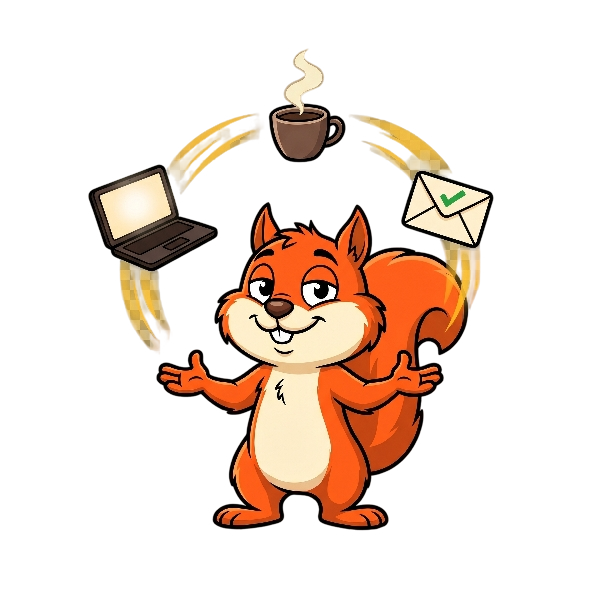
Zero follow-ups dropped
Running everything and running the meetings. Every discovery call goes on Fireflies; the transcript auto-flows to Scurry; the sequence is waiting in your inbox, drafted and ready for your eyes. You review, edit, send, the parts that need a human stay human.
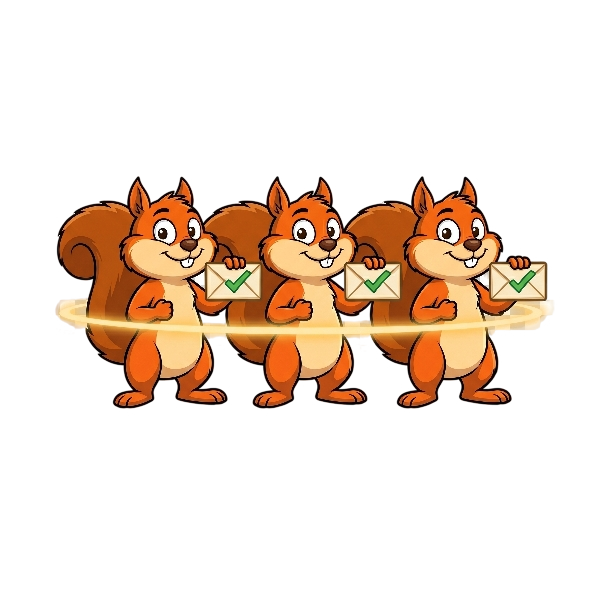
Consistent follow-up across the whole team
Ten teammates, ten Fireflies workspaces, ten follow-up styles. Universal Prompts lock brand voice. AI Filters enforce quality. Set the rules once, every teammate's post-meeting sequence stays on-brand, on-policy, and ready for the human hand-off.
Fireflies integration questions.


Already on Fireflies? Sequences go automatic the moment you connect.
One OAuth click. Every future meeting transcript becomes a ready-to-review follow-up sequence.
Free on every plan · No credit card · OAuth only, no keys